Connectors
Microsoft Azure Blob Storage Connector
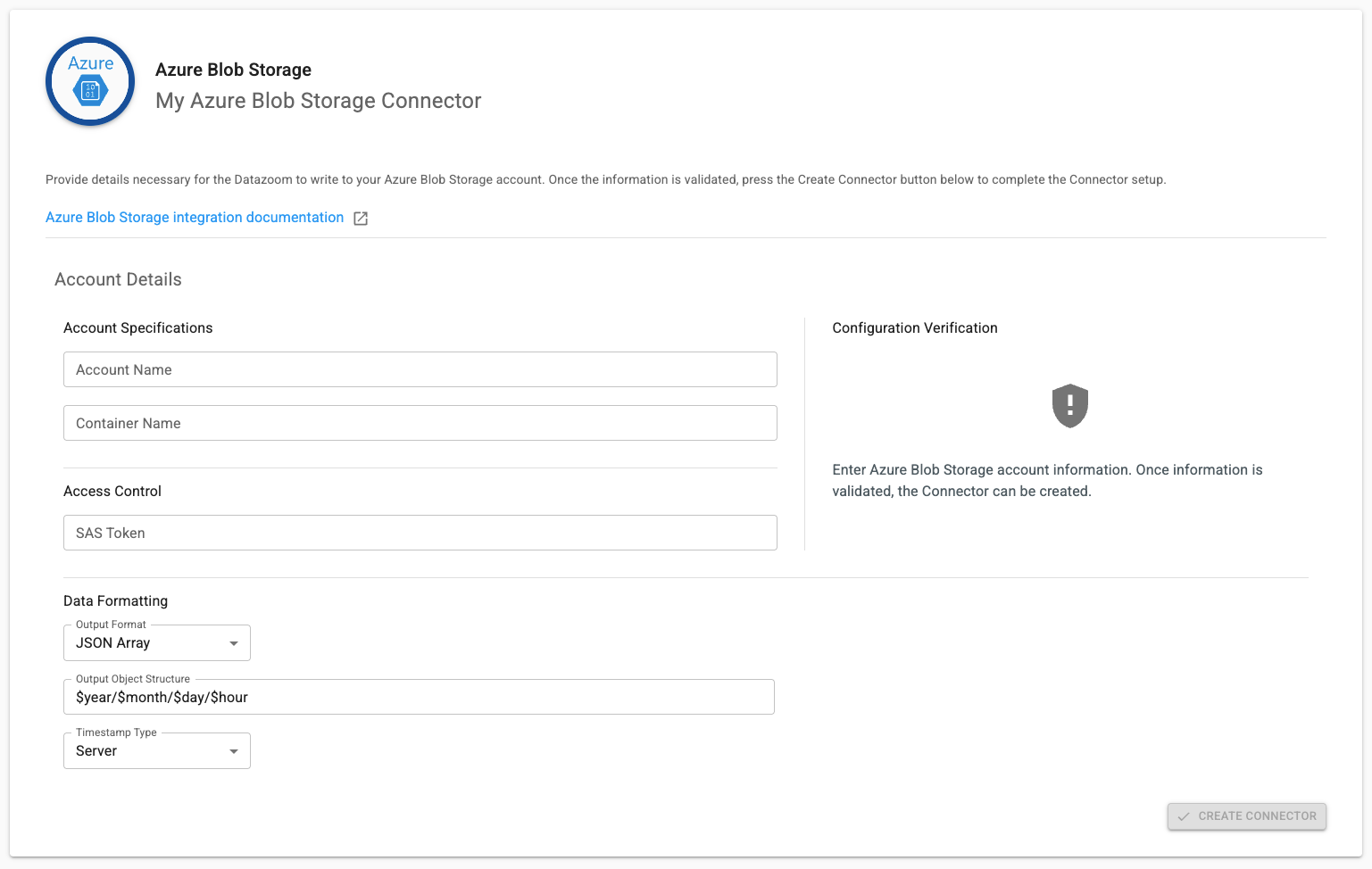
Our Microsoft Azure Blob Storage Connector sends Collector data to your configured Azure Blob Storage destination. In order to take advantage of this Connector you will need the following information:
Account Name - name of your Azure Storage Account. More details on Storage Accounts here.
Container Name - name of the Container. More details on Containers here.
SAS token - the Shared Access Signature token that can write to the Container. More details on SAS tokens here.
Output Format
JSON Array - One JSON document where records live inside a single
[...]array (e.g.,[{...},{...}]).JSON Line - (JSONL/NDJSON) One JSON object per line, newline-delimited, so each line is its own record (e.g.,
{...}\n{...}\n).
Object Output Structure
For example,
your_object_path/$year/$month/$day/$hour/will result in a nested directory structure by year/month/day/hour.
Timestamp Type
Server - The Datazoom platform timestamp (default setting)
Client - The uncorrected timestamp observed on the client
Client Corrected - The client timestamp corrected to align with NTP